Animation examples
In the following examples, we will explore how to create animations using the ivf2 library. We will demonstrate how to use the onUpdate() function to create smooth animations and how to control animations using ImGui windows.
Animation using onUpdate()
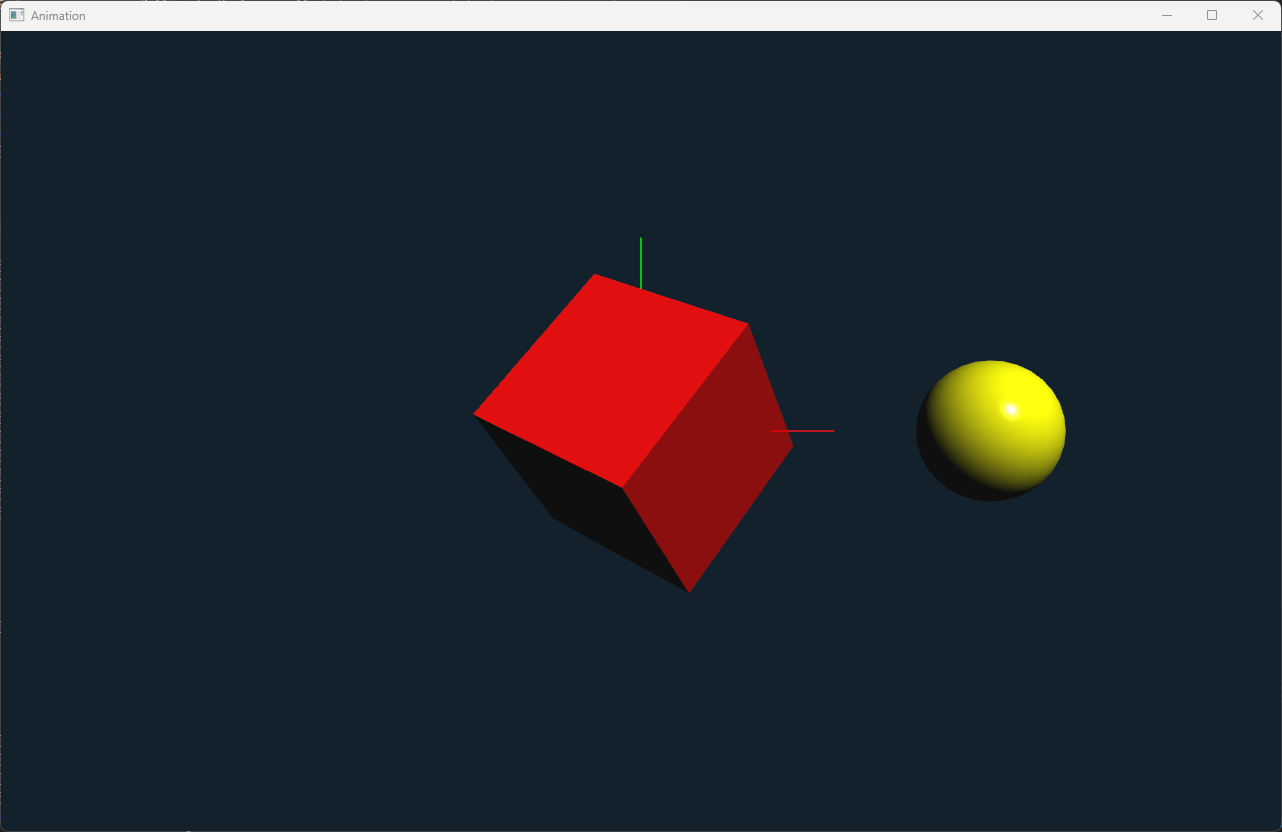
In this example, we will create a simple animation using the onUpdate() function. The animation will move a rectangle across the screen. The elapsedTime() method will be used to determine how much time has passed since the last frame, allowing us to create smooth animations.
animation1.cpp
Animation controlled by ImGui Window
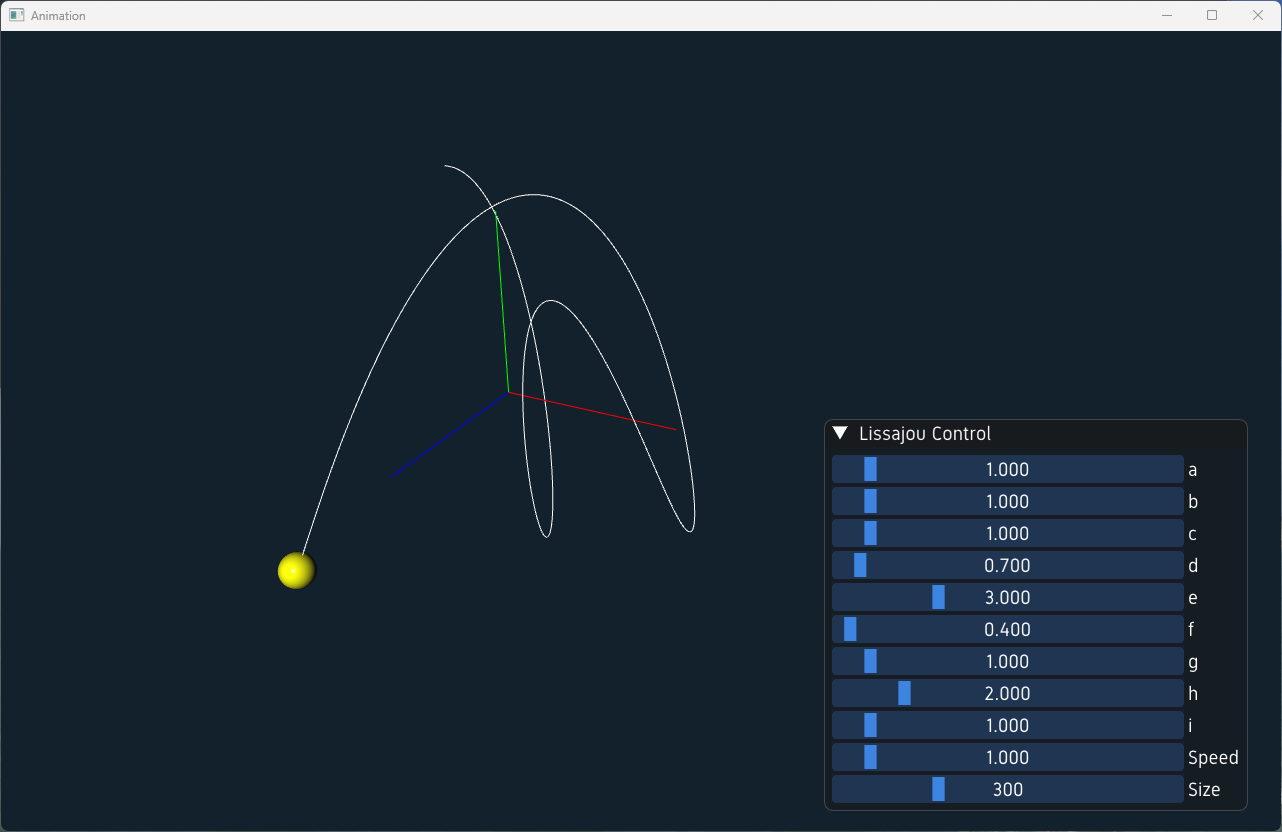
In this example, we will create a simple animation using the onUpdate() function. The animation will move a rectangle across the screen. The elapsedTime() method will be used to determine how much time has passed since the last frame, allowing us to create smooth animations.
lissajou_window.h
lissajou_window.cpp
animation2.cpp
Animation using Splines and Keyframes
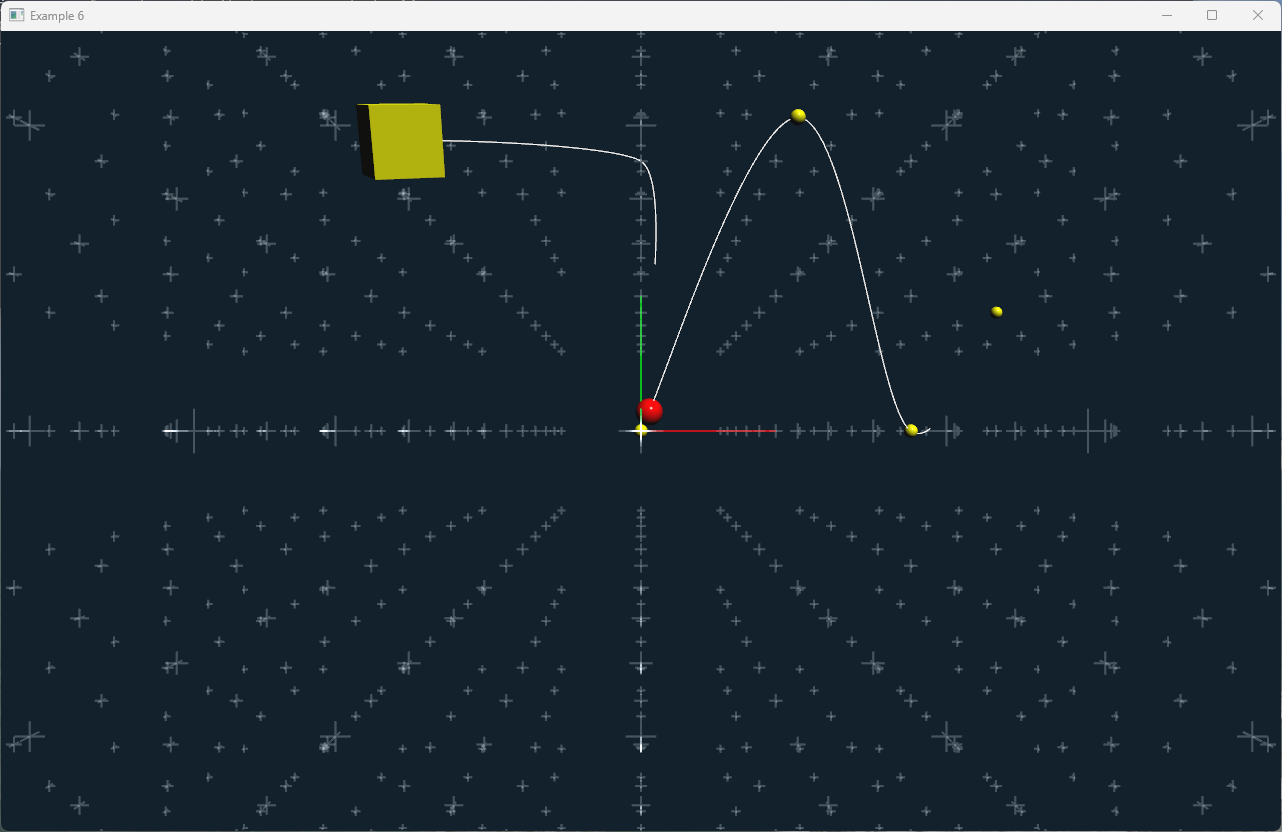
In this example, we will create a more complex animation using splines and keyframes. A Sphere will move along a spline path defined by keyframes. The Cube is animated using keyframe anitmation, where the Cube's position and rotation are defined by keyframes. To illustrate the animation a trace is drawn along both of the object using the LineTrace node.
animation3.cpp